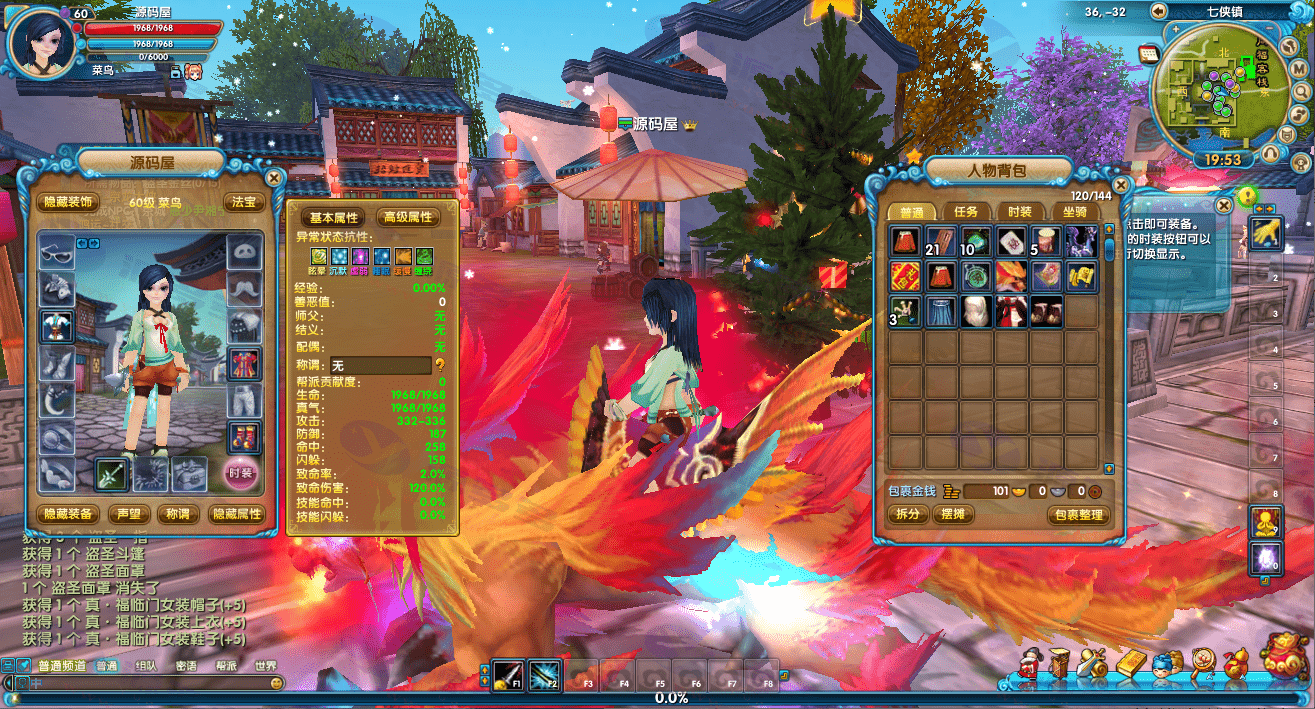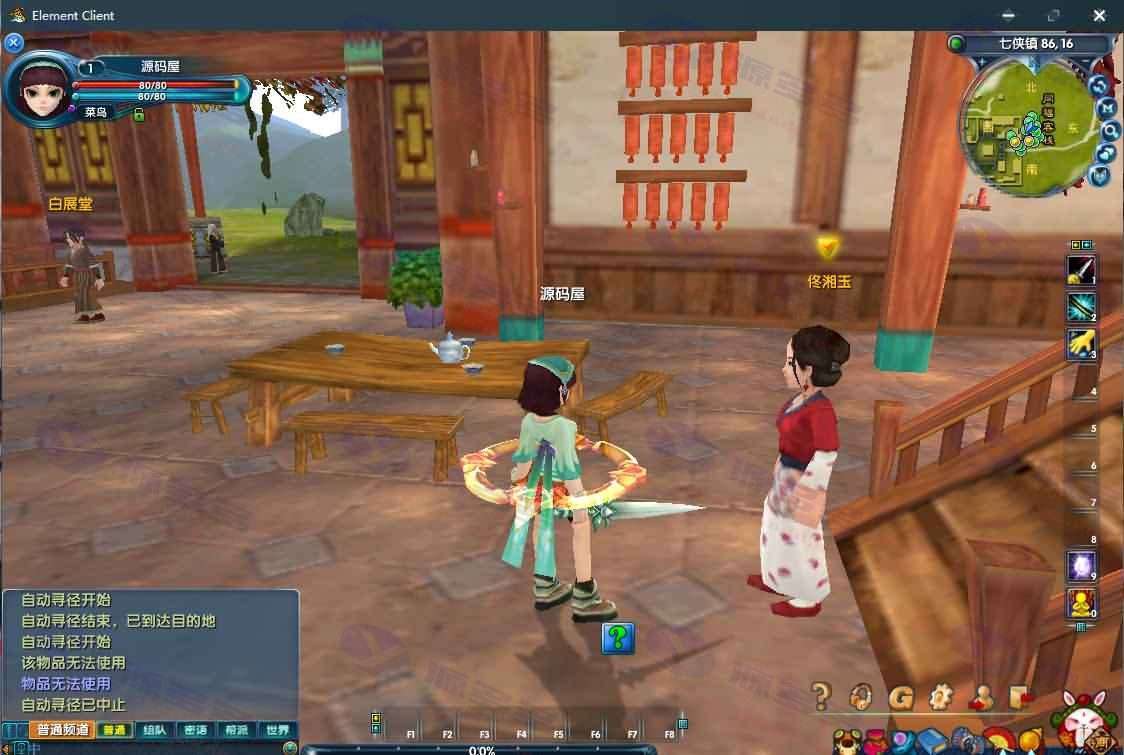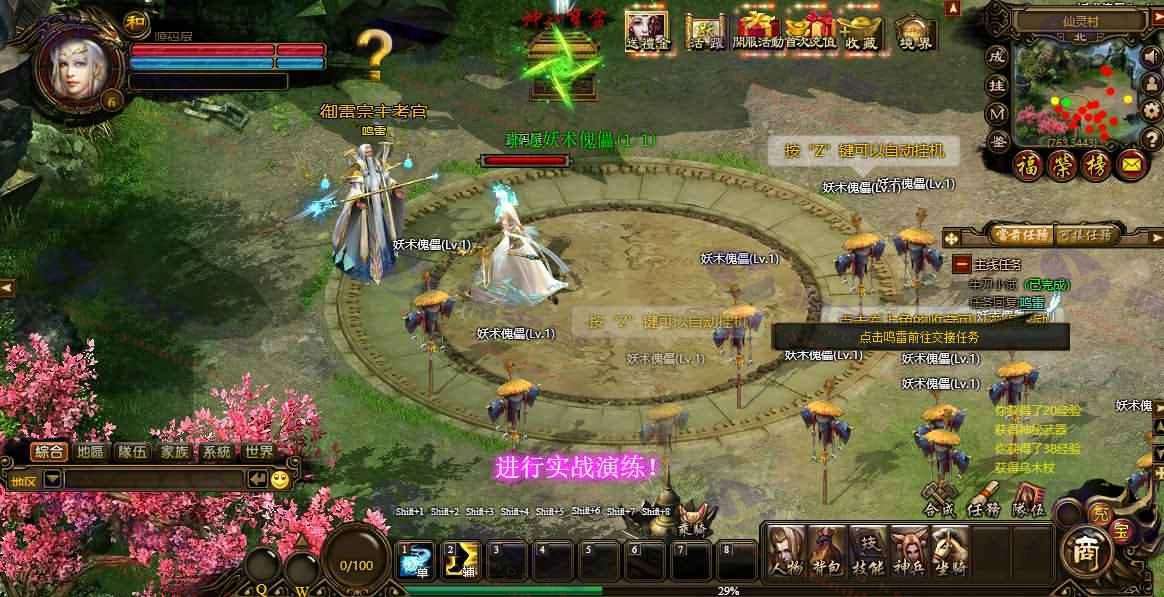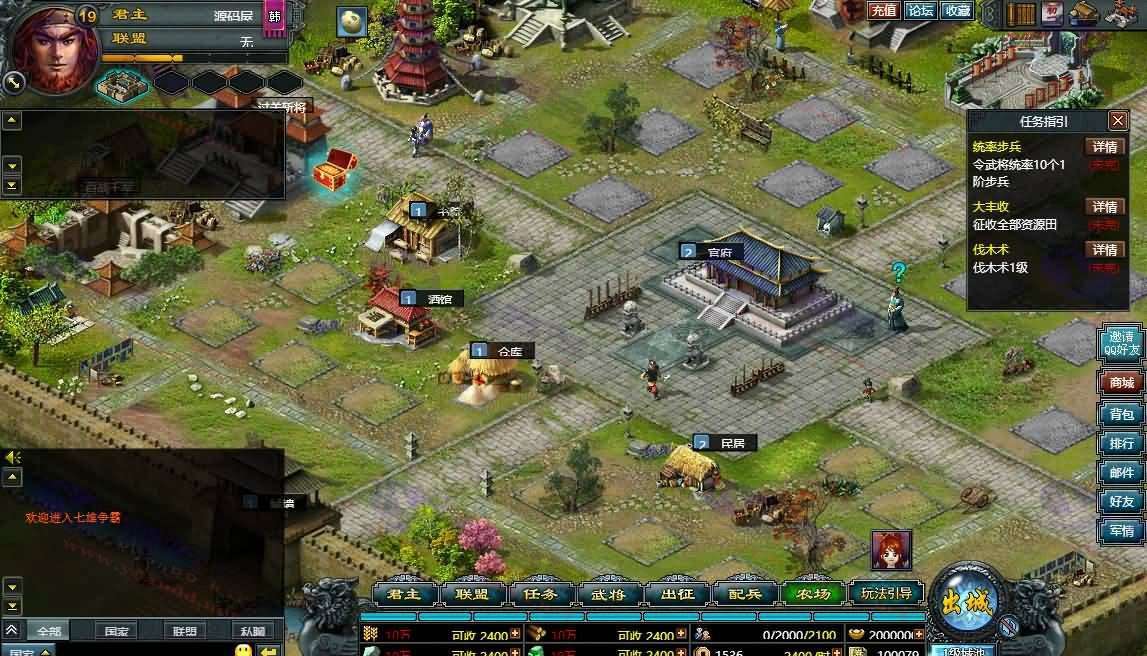


Resource Profile:
Run the program in the [Game Launch] folder:
Step 1: Double click [0. One Click Configuration]. If it is stand-alone version, directly click [One Click Configuration] and wait for completion. If it is an external network deployment, please fill in the server IP and port number before execution.
Step 2: Open [1. Launch the website library] and make sure the database service is running normally.
Step 3: Launch the [2. Chat system] and keep the system online.
Step 4: Run [3. Background Startup], click the “Background Startup” button, and wait for the service to finish starting.
Step 5: Open your browser and enter the URL: http://127.0.0.1/ to enter the game interface and start experiencing the game.
Note: The game login account password does not need to be preset, the system will automatically create an account when you first log in.
GM ToolsUsage:
Inside the [Game Launch] folder, find [4.GM Tools]. After opening it, you can directly modify the game data without going offline.
Database Information: Database Account: root Database Password: none
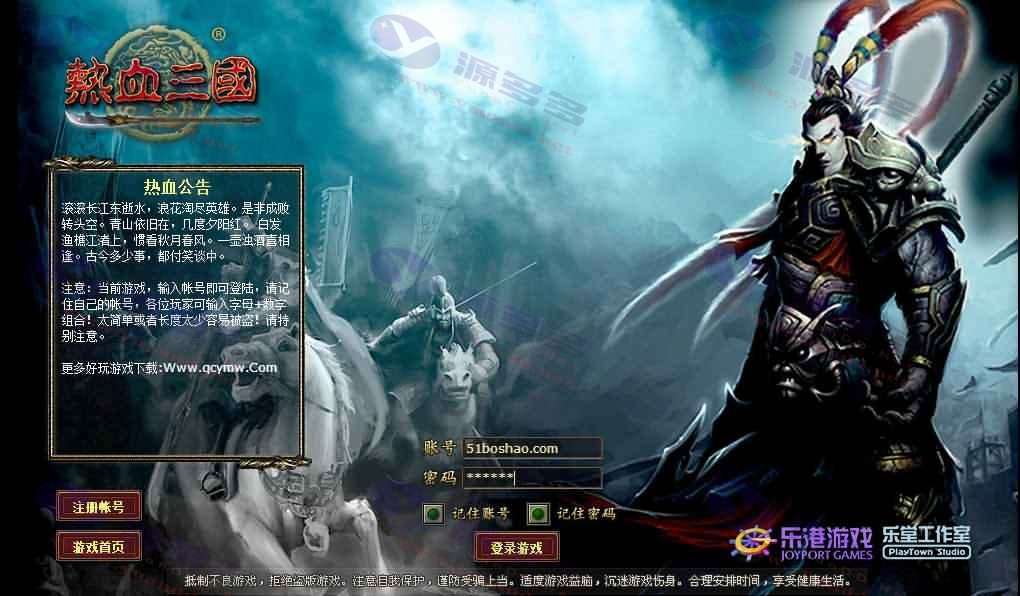
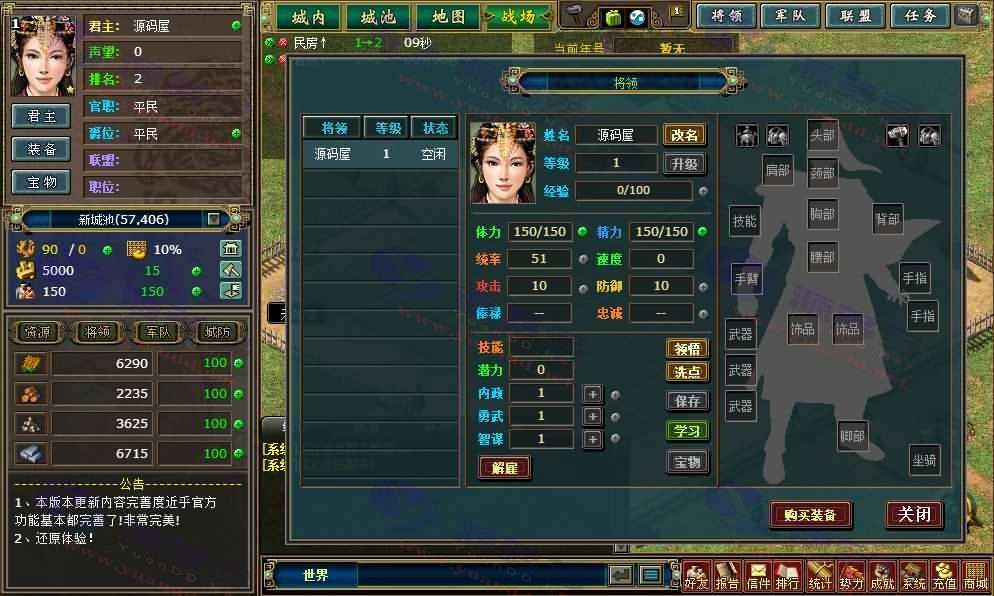
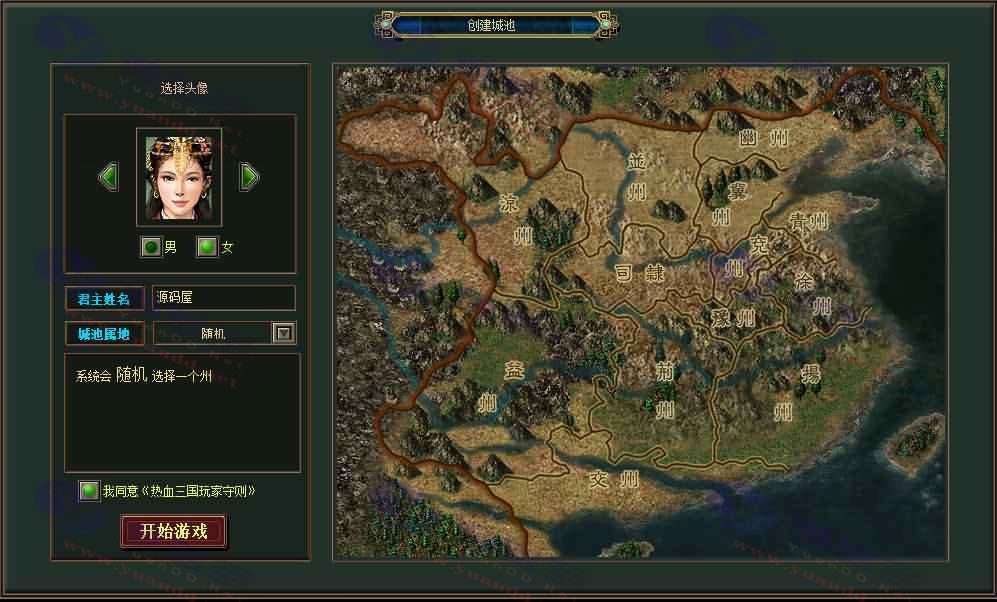
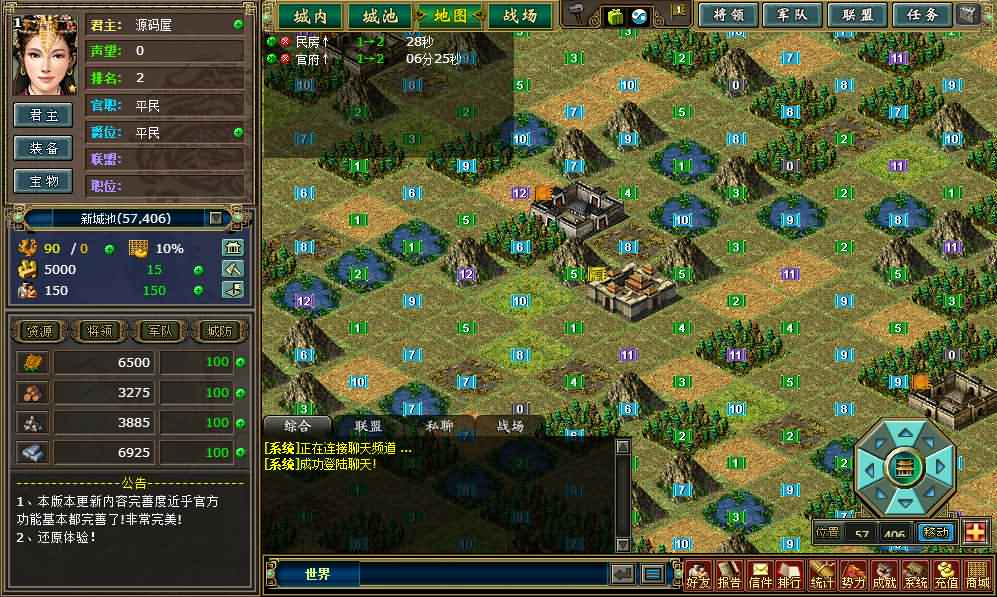
Photo Gallery:
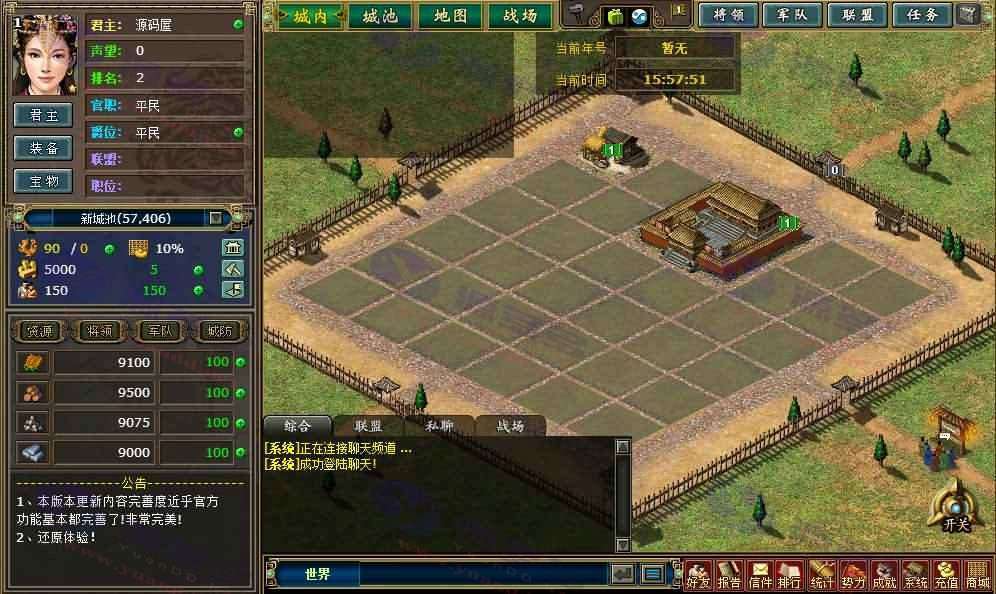
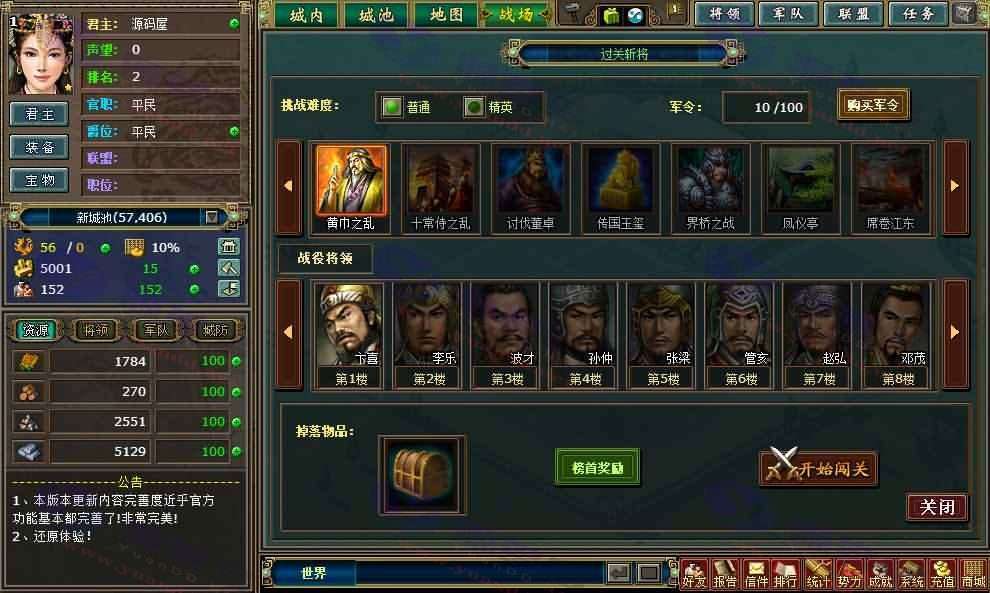
Installation and usage instructions:
A detailed installation and configuration tutorial is included in the zip!


- Can free downloads or VIP member-only resources be commercialized directly?
- The resources on this site are collected and organized through the network, for personal research and study purposes only. The copyright belongs to the legal owner of the software and program code, users should verify the copyright and legality of the resources, prohibited for commercial use, illegal activities or any violation of national laws and regulations.
- Disclaimer of liability for program or code bugs, compatibility issues or functional defects, etc.
- As the resources on this site are collected and organized through the network, not the site's original, it can not fully guarantee its functionality or code compatibility. Users need to verify whether the resources meet the needs of their own, due to the following circumstances lead to losses, this site does not assume any responsibility:
Programs, source code and other computer software resources may contain code vulnerabilities (bugs), compatibility issues or functional defects left by the developer. This site does not provide free repair services for such technical defects, users need to bear the risk of debugging, modification or abandonment of the use.