

Resource Profile:
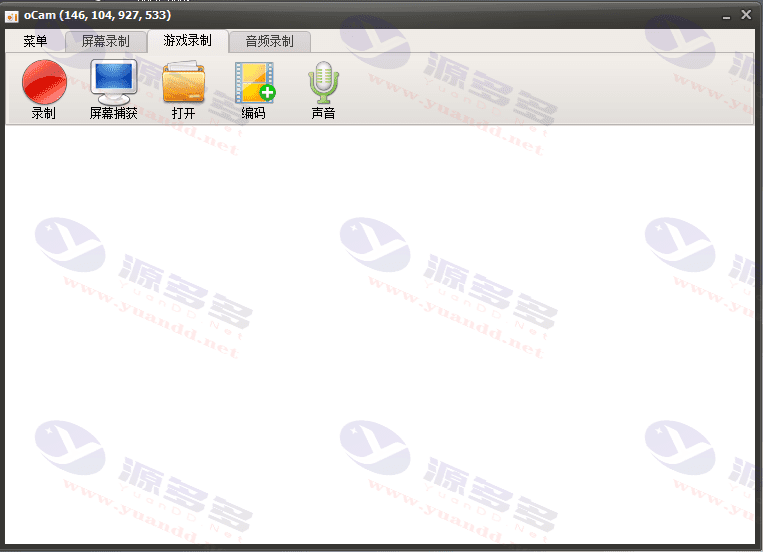
OCamOCam is a powerful and compact free screen recording program. The free version comes with ads, while the cracked version has completely removed the ads, bringing users a pure and non-intrusive experience.OCam has a simple and intuitive interface, with powerful coding capabilities, support for screen recording, game recording and audio recording and other functions, can record any area, provide full-screen or customized area to choose from, but also supports the capture of the sound being played. Below are the main features of OCam and how to use it.
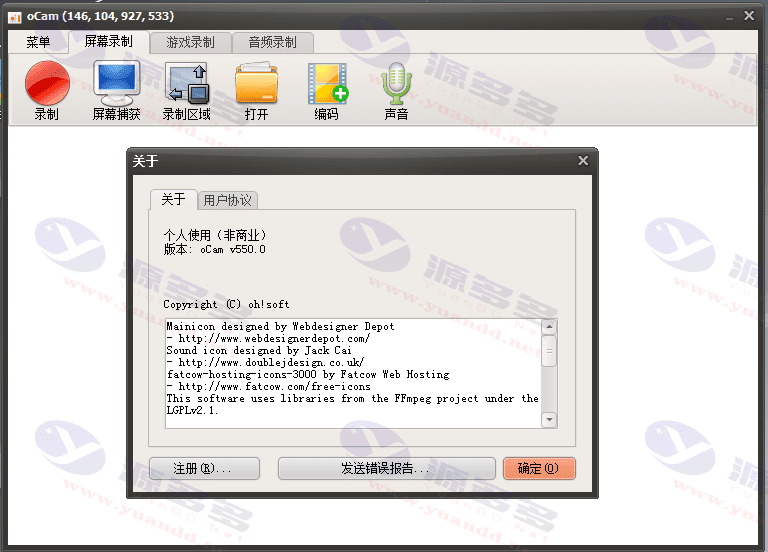
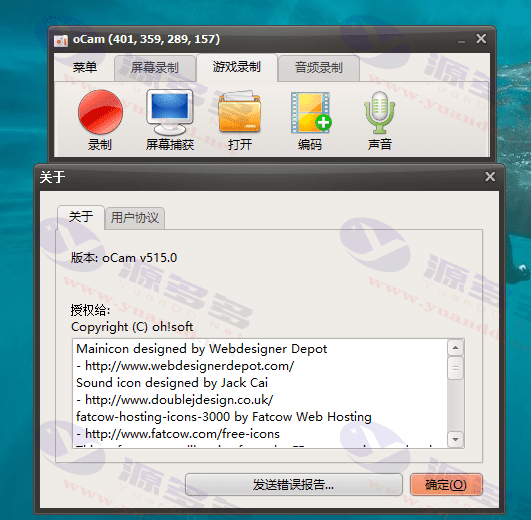
2 versions are available: v550.0 + v515.0_.advertising-free(Portable version without installation)
Cracking Instructions:
- Remove ads by disassembling technology and use it license-free without registration code.
- The interface is completely fresh, with no ad banners, no browser pop-ups, and no purchase pop-ups to interfere after the video is finished.
- Removed unnecessary function buttons in the main interface and optimized the layout of the function area.
- Prohibit automatic upgrades and background downloads and updates, provide packaged single file version, secure and efficient.
Key functional features:
- Built-in codec support
- Built-in a variety of video (e.g. AVI, MP4, MOV, TS, VOB) and audio (e.g. MP3) codecs to facilitate the user to record and playback a variety of format files.
- Support large file recording
- Easily handles video files in excess of 4GB, making it ideal for users with long recording needs.
- Computer sound recording
- Allows recording of system sound effects or audio being played, with accurate and effective sound capture.
- High-quality recordings
- High-quality recording is possible even if the system has no stereo mixing settings.
- Multiple sound quality options
- Users can choose different sound quality settings according to their needs to ensure that the recording effect meets a variety of scenarios.
- Flexible Screen Capture
- Provides full-screen and window area recording options, and supports customized recording area, flexible and convenient operation.
- Mouse cursor recording
- Option to record mouse cursor or not, great for creating tutorial videos and presentations.
- Dual monitor support
- Easily support dual-screen recording to meet the needs of users operating on multiple screens.
- error message function
- Users can submit bug reports to help developers improve software features.
- Customized Storage Paths
- Users can select the storage location of recording files for easy categorization and management.
Photo Gallery:
Installation and usage instructions:
- Installation and startup
- Download and install OCamGreen EditionThe interface is simple and intuitive upon startup.
- Setting the recording range
- Adjust the size of the recording area according to your needs, either in full-screen mode or in a customized area.
- Setting parameters
- Open the option via the toolbar to set the file save path and encoding format (e.g. AVI, MP4, etc.).
- Selecting the recording method
- You can choose to record the system sound, microphone, or sound from an external stereo.
- Start recording
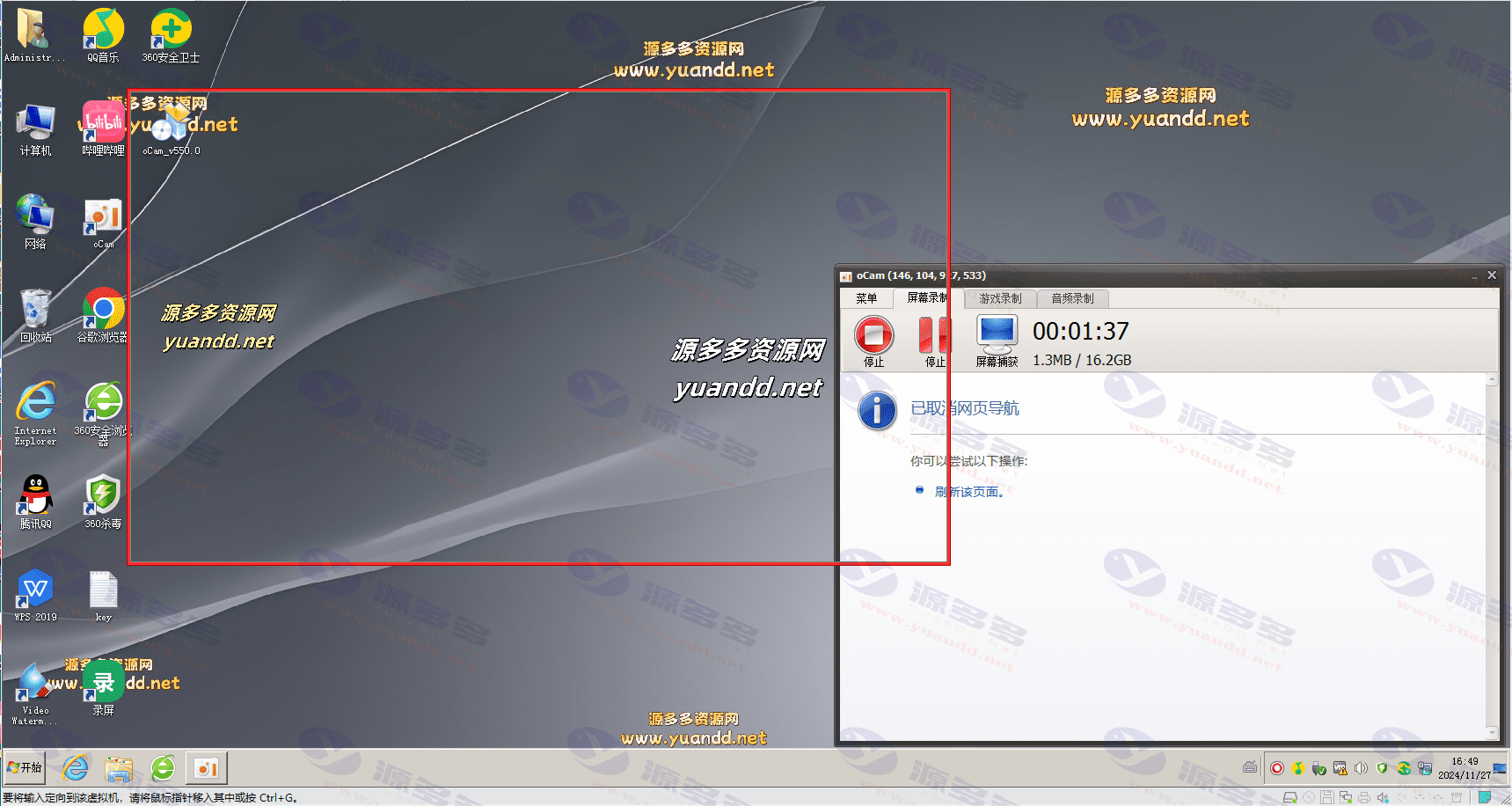
- Click the “Record” button to start recording, and then click the “Stop” button to save the file.
Storage path settings: OCam saves recording files in C disk by default. Users can change the path by following steps:
- Click on the menu button in the upper left corner of the software and select “Options”;
- Find the “Save” setting, select the destination folder and confirm;
- The next recorded file will be stored directly to the preset location.
Special Reminder: If the path of “My Documents” has been moved to a non-default C disk, you need to manually modify the “Save Path” to avoid the path error message.


- Can free downloads or VIP member-only resources be commercialized directly?
- The resources on this site are collected and organized through the network, for personal research and study purposes only. The copyright belongs to the legal owner of the software and program code, users should verify the copyright and legality of the resources, prohibited for commercial use, illegal activities or any violation of national laws and regulations.
- Disclaimer of liability for program or code bugs, compatibility issues or functional defects, etc.
- As the resources on this site are collected and organized through the network, not the site's original, it can not fully guarantee its functionality or code compatibility. Users need to verify whether the resources meet the needs of their own, due to the following circumstances lead to losses, this site does not assume any responsibility:
Programs, source code and other computer software resources may contain code vulnerabilities (bugs), compatibility issues or functional defects left by the developer. This site does not provide free repair services for such technical defects, users need to bear the risk of debugging, modification or abandonment of the use.